A clearer way around.
Rename, reorder and simplify the sidebar. Put everyday tasks in reach and organise related work into sections.
Explore the feature
Client workspaces for WordPress
Give your clients a workspace that feels made for them. Clear menus, useful dashboards and a little guidance, all inside WordPress.
PanelKind 1.6.1 · No account or licence required for Free
Inside PanelKind
A better welcome starts here
Hand over a workspace built around your client’s day. PanelKind brings the right tasks, context and guidance together.
Rename, reorder and simplify the sidebar. Put everyday tasks in reach and organise related work into sections.
Explore the featureWelcome clients with quick actions, checklists and practical guides, right where they manage their website.
Explore the featureShare your Free client View across roles, or use Pro for multiple Views and individual assignments. Native WordPress permissions remain the ceiling.
Explore the featureA complete workspace for a small site
Free includes all seven widget types, logo and accent styling, role-based access rules, drafts, previews and same-site configuration backups.
See every Free and Pro allowancePro adds more capacity, individual targeting, advanced styling, white-label controls, templates and transfers between sites. Every paid tier has the same features; only its site allowance differs.
Take a look around
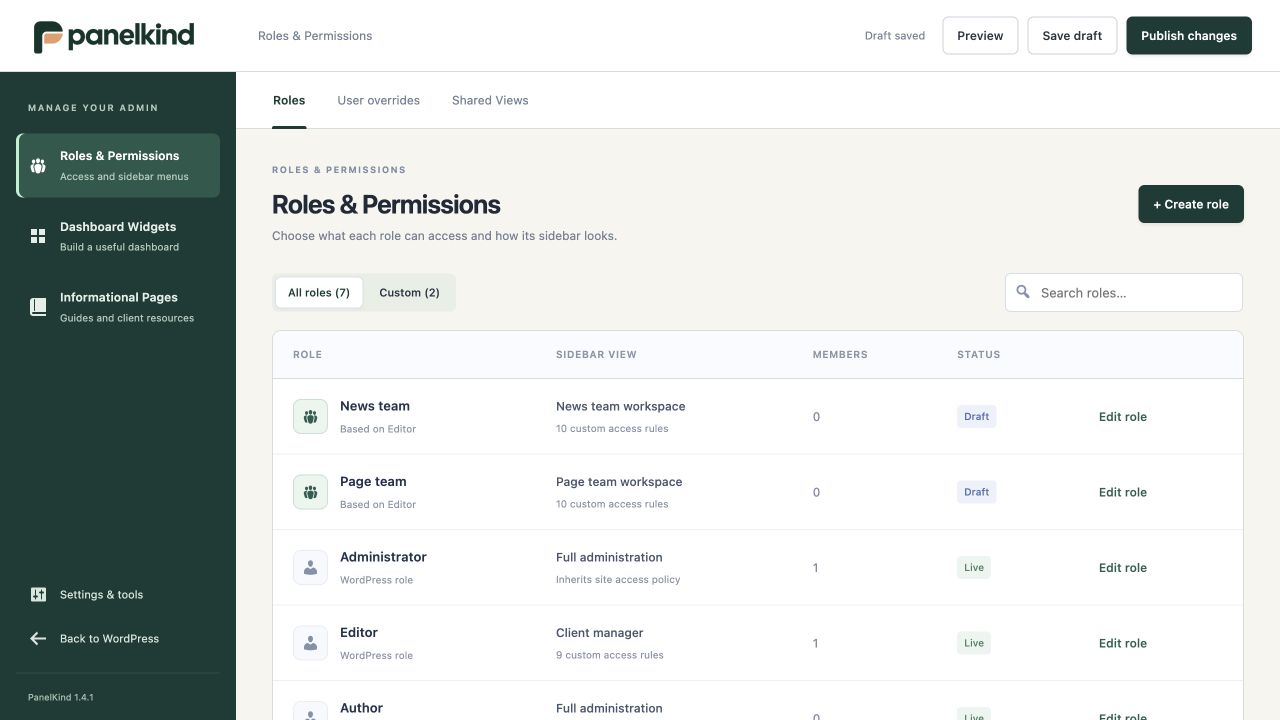
Keep roles, individual overrides and shared Views together. Build around the tasks each client or team actually needs.
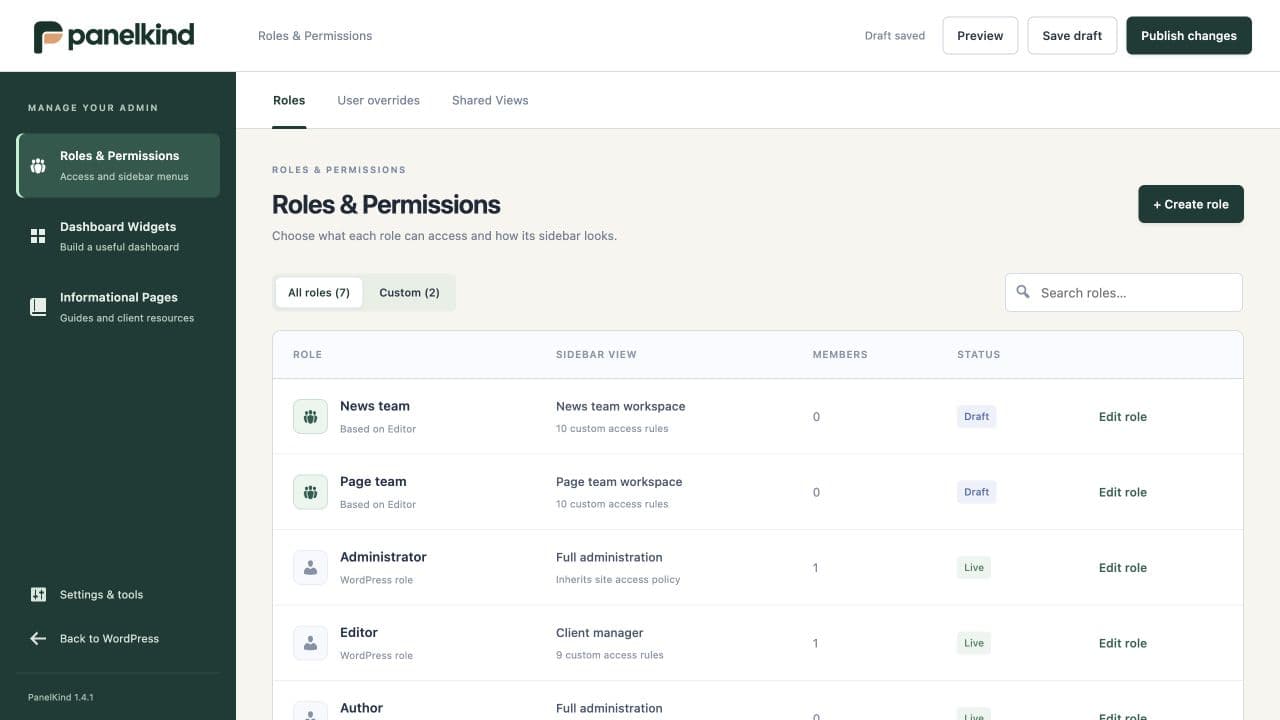
Actual development screenshots · Sample content · Some screens show earlier branding
Choose the role, organise its navigation and set the look and feel.
Add everyday shortcuts, a welcome message and the guides your client needs.
Review the saved workspace, publish it and test the client’s real workflow.
A kinder kind of admin
Start with Free. Choose Pro when your client work needs more room.
PanelKind customises the WordPress administration area: navigation, dashboards, guidance and role-aware access. Your clients still work with WordPress posts, pages and media. It does not change your public website’s design.
Free gives a small site one active custom client View, three widgets, one private information page and one PanelKind custom role. All seven widget types, basic branding, role-based access rules and the draft, preview and publish workflow are included. Pro adds more capacity, individual targeting, advanced styling, white-label controls, templates and portable configuration transfers. Every paid plan includes the same Pro features; only the licensed site allowance differs.
The current release supports individual WordPress installations and does not support multisite activation. The 5-site and 1,000-site Pro options are for separate WordPress installations.