Pro
Workspace colours
Text on accent, page background, card/table surface, main text, secondary text and borders.

The details make the difference
A complete small-site workspace in Free. More capacity, individual control and deeper styling in Pro.
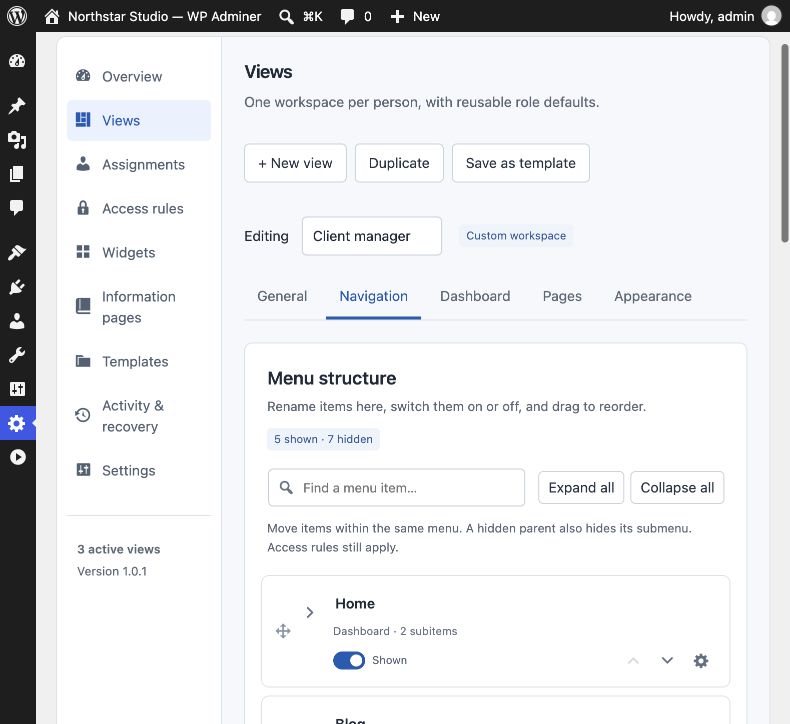
01 / Navigation & appearance
Give familiar WordPress tools clearer labels and a more deliberate home. Arrange the workspace around the work your client does most.
Free includes one active custom client View. Pro adds multiple Views. The native Full administration fallback remains available in both editions, with read-only configuration on Free.
Inside PanelKind
02 / Roles, Views & access
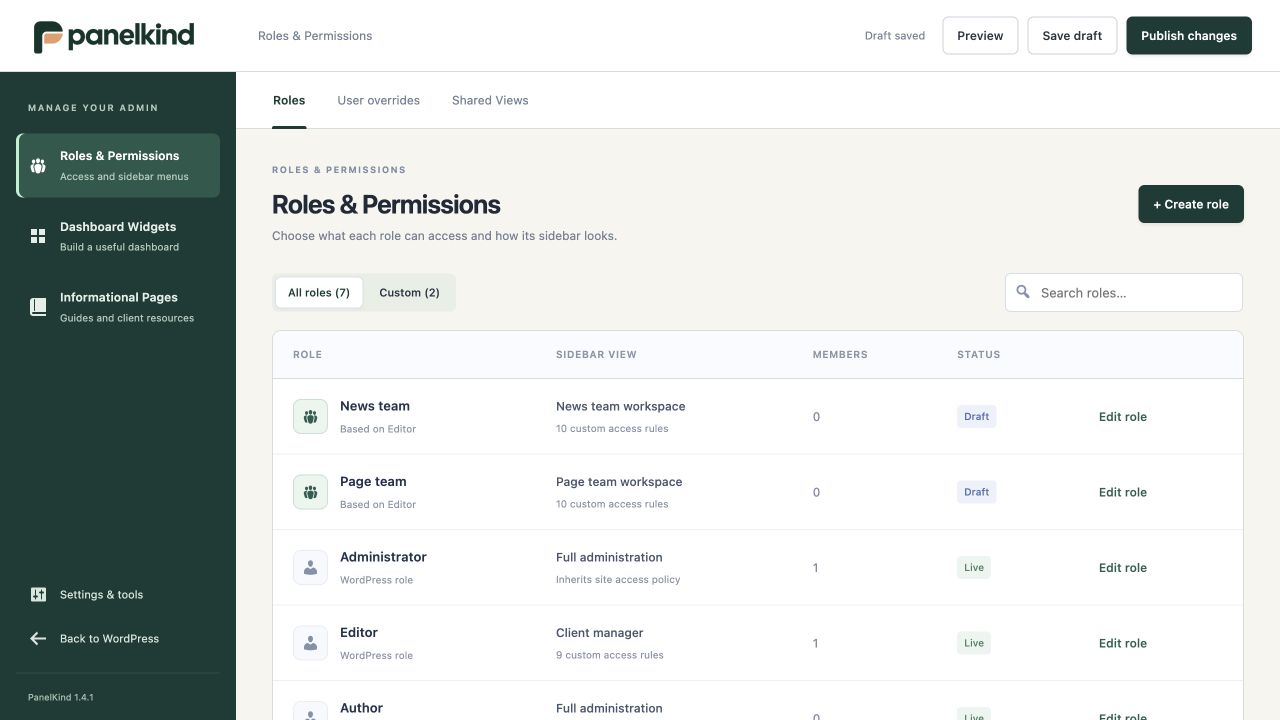
Keep presentation and access decisions together, while native WordPress capabilities remain the permission ceiling. There is no plan limit on WordPress users.
New individual View assignments and access overrides require Pro. On Free, previously published individual settings remain effective and can be removed, but cannot be added or changed.
Inside PanelKind
03 / Dashboards & guidance
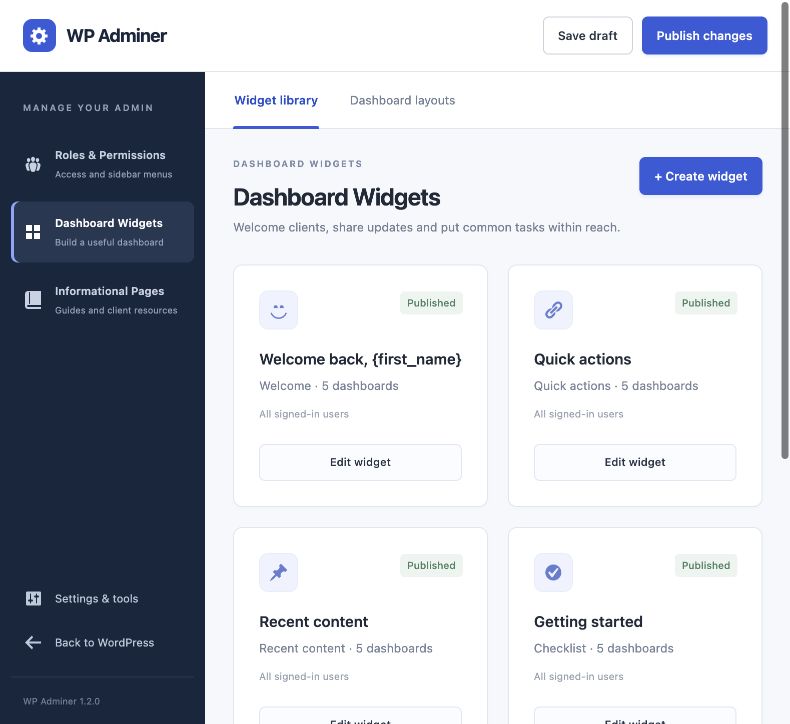
Bring the small things that make a handover work into the dashboard itself: a welcome, a next step and somewhere to find an answer.
Pro adds more widgets and private pages, subject to technical safety limits. Normal WordPress Pages and Posts do not count towards the information-page allowance.
Inside PanelKind
04 / Drafts, previews & history
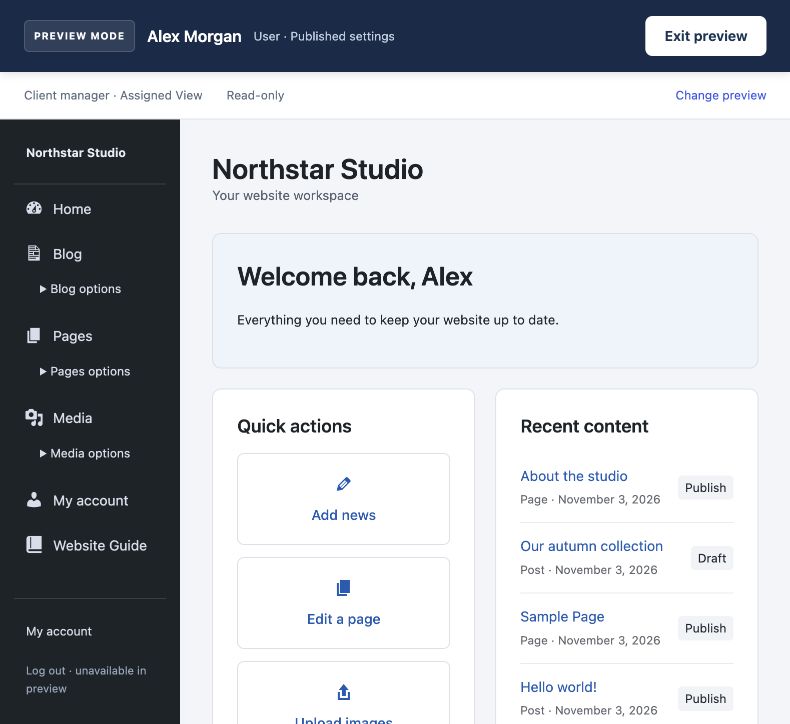
Both editions include the full draft, review and publish workflow, with no monthly save or publish quota. Preview as a role or user, then check the real account before handover.
Installing an update or losing a licence does not delete published workspaces or access restrictions. New paid settings are checked before publication; the live configuration stays in place if a draft exceeds the current plan.
Inside PanelKind
05 / Admin styling
Free includes the theme switch, accent colour, workspace name and logo, logo width and sidebar placement, dashboard spacing, sidebar width, icons and interface cleanup.
Users with settings permission can use the Free client View as the style source for the main WordPress admin, or style only its assigned users. Navigation and access assignments stay separate. Pro can choose from multiple Views, including Full administration.
Free shows a small “Powered by PanelKind” footer credit. Pro can hide it and add custom footer text, alongside these extra styling controls:
Pro
Text on accent, page background, card/table surface, main text, secondary text and borders.
Pro
Background, text, selected-item background and selected-item text.
Pro
Background and text colours for the WordPress toolbar.
Pro
Card and button/menu corners, plus card and sidebar shadow presets.
Advanced controls show their current values with a Pro label and are disabled on Free. The accent colour and theme switch stay editable. New advanced values, custom footer text and credit removal require Pro.
Published advanced styling survives an update or downgrade. In editable custom Views, keep those values while editing content and basic styling, or choose Reset Pro styling to defaults. The reset changes only advanced fields in the draft; the logo, accent, layout, cleanup, icons and theme switch are preserved. Publication applies the reset.
Once reset and published, restoring an old paid theme from a revision or signed backup requires Pro. Copying paid values into another View also requires Pro. Full administration is read-only on Free, and switching the theme off does not unlock paid controls.
Designed for a clear job
PanelKind is for signed-in WordPress workspaces. It is not a public client portal or a multisite management tool. Native WordPress capabilities remain the ceiling for access rules, and linked media keeps its existing visibility.
All paid plans share the same Pro features and technical safety limits. The difference is the licensed site allowance: 1, 5 or 1,000 separate installations.
Compare every Free and Pro featureA kinder kind of admin
Start with Free. Choose Pro when your client work needs more room.